{{l.fam}}
{{l.name}}
{{l.line}}
Blender add-on · {{liteCount}} looks free · all {{total}} with Pro
Anamorphic ovals, vintage swirl and prism echoes for Cycles. Focus precisely, shape the look and save it as a preset.
Lite free · Pro ${{proIntro}} at launch, then ${{proRegular}}
Blender 5.2 · Cycles · CPU or NVIDIA OptiX
See it in Blender
A real session in the 3D viewport: pick a lens in the sidebar, tune it, and the render responds.
01 · Signature results
Drag across any pair to see what the lens adds. Each look is marked Lite or Pro.
{{cur.lookTitle}}
02 · The Pro workflow
Choosing a look, framing and focus work the same in Lite and Pro. Pro adds the full Adjust step and Save, so a look that works becomes one you can reuse.
{{s.text}}
In Blender · Lens Optics {{uiVersion}}
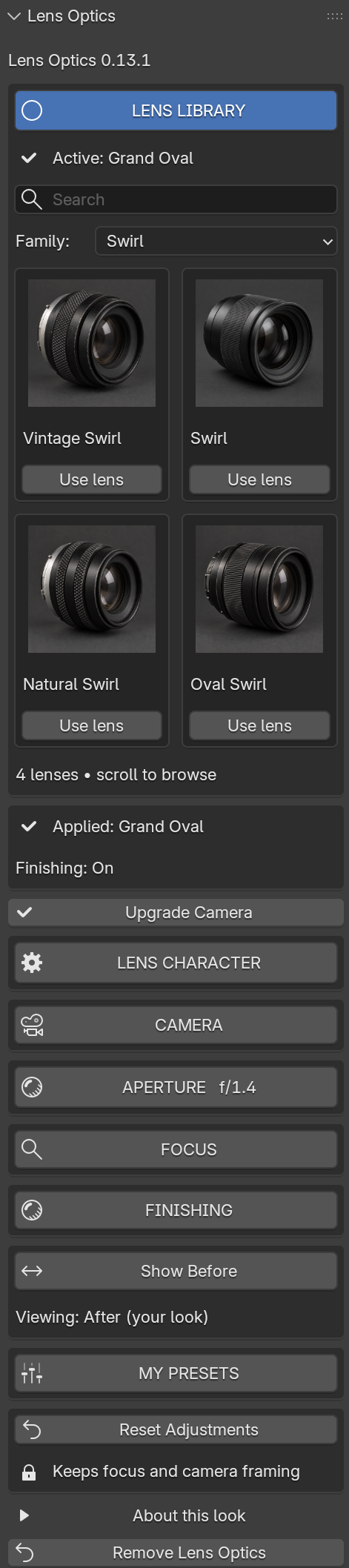
The whole add-on lives in one sidebar panel in the 3D viewport. The tour plays on its own; pick a section to jump to it.
03 · Shape of light
The same point lights rendered with four aperture shapes. Blade count, roundness and rotation are Pro character controls; ordinary aperture is in both editions.
04 · The library
{{liteCount}} looks are free in Lite. Pro has all {{total}}, across {{familyCount}} families. Lens artwork is illustrative catalog art, not a sample of the rendered effect.
{{l.line}}
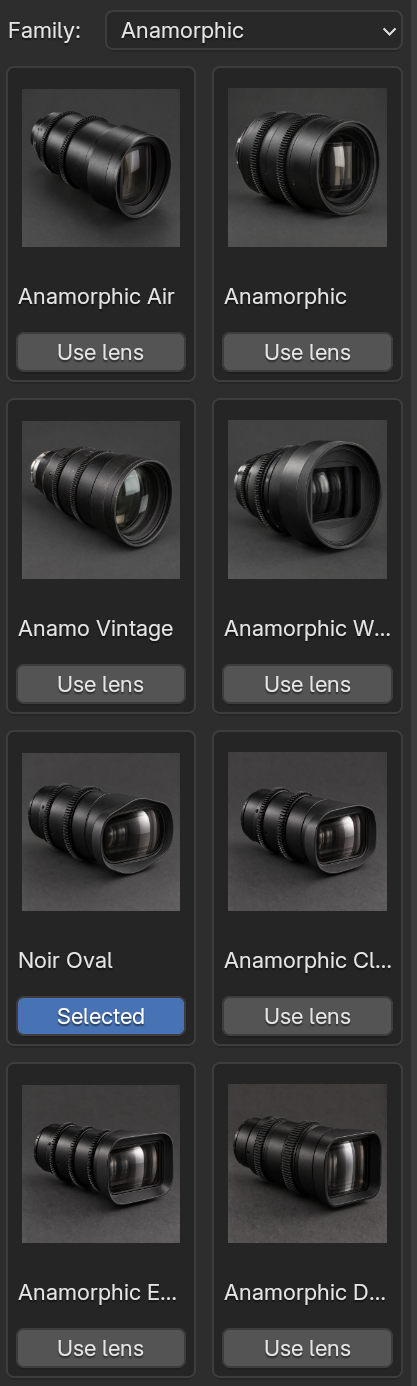
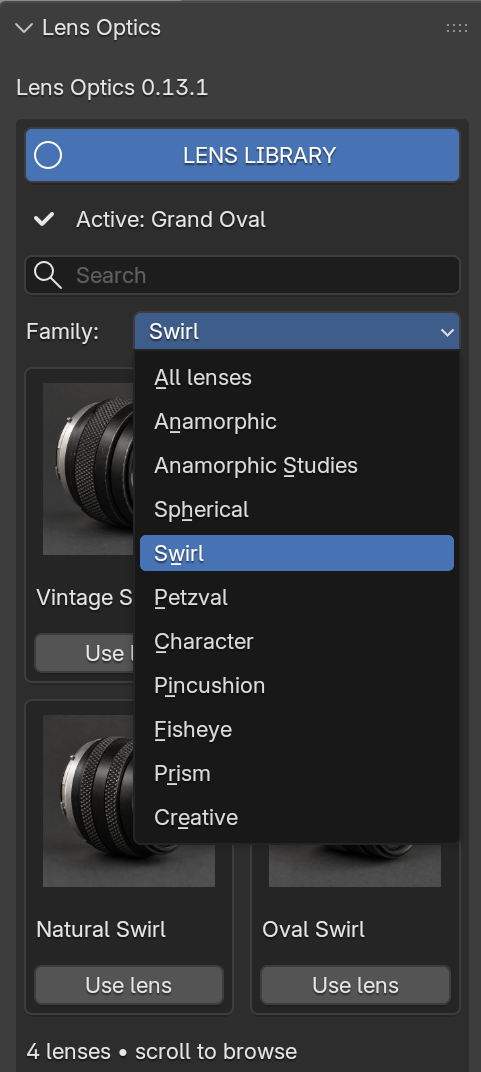
Search by name or filter by family, then press Use lens. The active look is marked Selected, and the panel tells you which look is applied.
{{resultText}}
No looks match that search.
05 · Prism
The same frame, camera and light, rendered with every Prism look; only the look changes. Split and Zoom are in Lite. The other {{prismProCount}} come with Pro.
06 · Lens Character Full controls · Pro
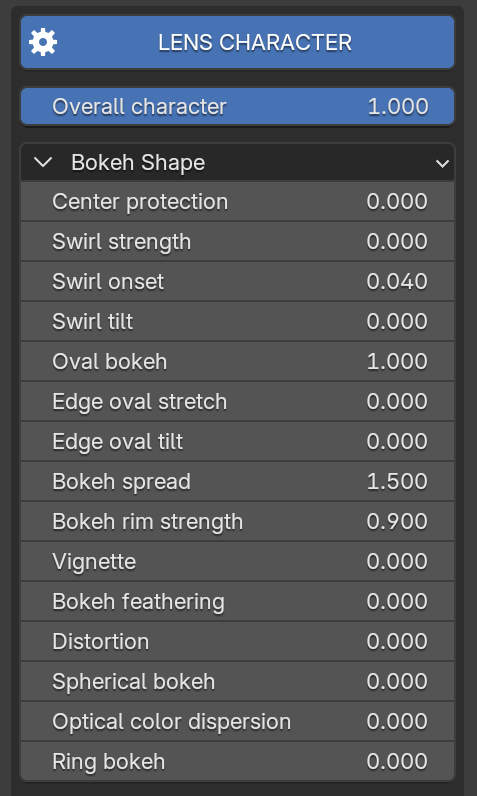
Overall character scales the whole look. Under Bokeh Shape, each control is a plain number you can type or drag. Families add their own: Fisheye FOV, Prism arrangement, Creative diffusion.
07 · Camera, aperture and focus Lite and Pro
Included in both editions. Aperture and focal length are independent of the look, so a lens keeps its character while you compose.
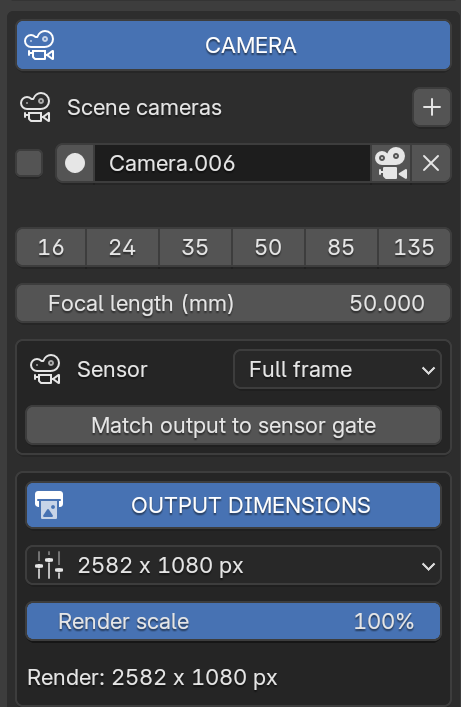
Each camera keeps its own look. Focal length presets from 16 to 135 mm, a sensor menu, and output dimensions with render scale, all in one place.
Choose an aperture or type a custom f-number. Wider apertures mean larger, softer out-of-focus highlights.
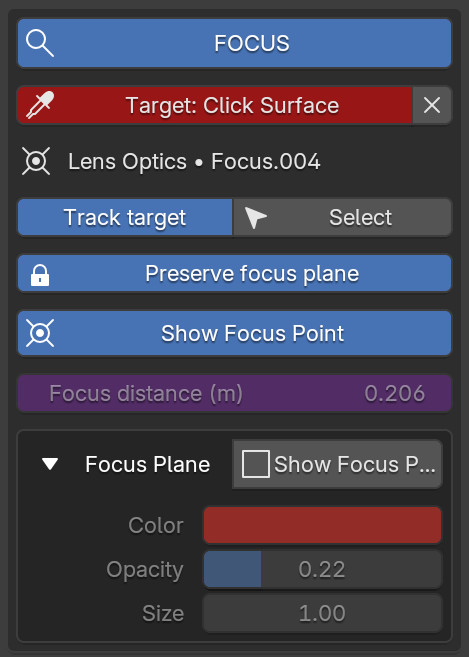
Click the exact surface in any 3D viewport. Track target follows that picked point, Preserve focus plane keeps it stable while you switch looks, and the focus plane can be shown in color.
One scene · four cameras
Each camera keeps its own lens look, so a single scene can carry several characters. Finishing stays scene-wide.
08 · My Presets Pro
Save the look. Bring it to the next scene. Name it, apply it to any camera, refine it later, and move the whole library with Export and Import.
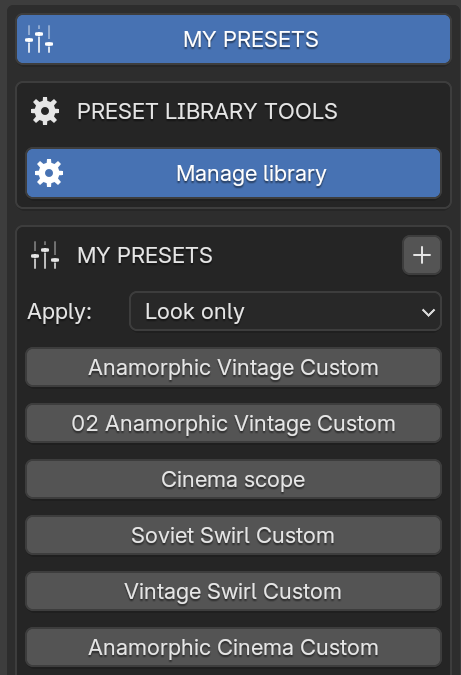
{{presetMode.headline}}
Applying a preset never switches Finishing on. Presets are stored in your Blender user configuration folder; Export and Import move the whole library as a JSON file.
09 · Finishing
Optional, scene-wide compositing that reacts to bright highlights, and it starts switched off. Pro has all five effects. Lite includes cinematic aberration from 0 to 2.
{{fxCur.text}}
10 · Gallery
Every example on this page, side by side. Rendered in Blender with the add-on.
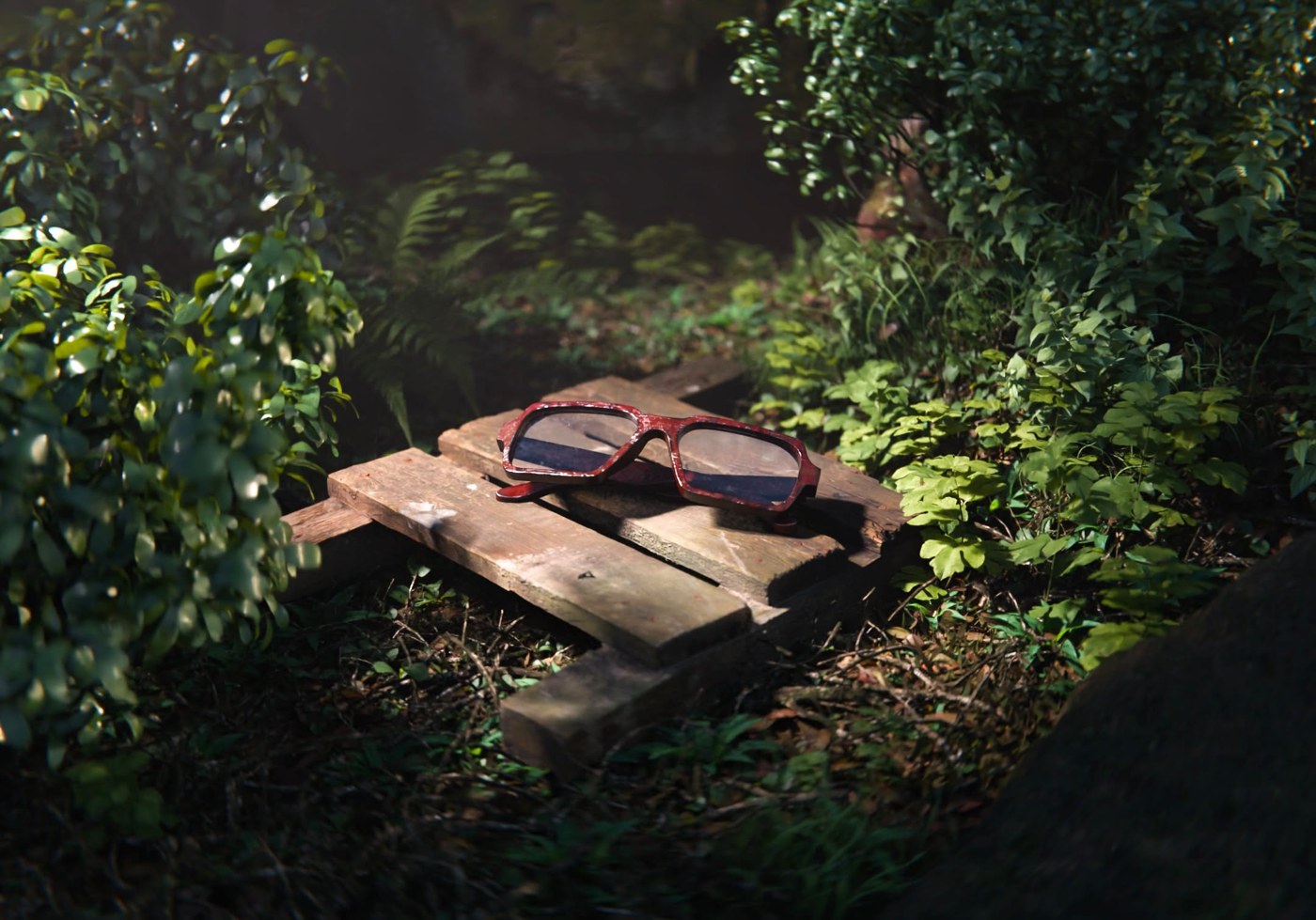
From the community
“I’ve tried a bunch of lens sim add-ons before and they’re either too basic or too heavy. Yours hit the sweet spot, and it’s highly optimized.”
I like that it provides a lot of creative control. Overall 10/10, a product I’d definitely buy.
11 · Editions
No watermark and no resolution limit in either edition. Lite and Pro are separate add-ons; disable Lite before enabling Pro.
Free
Start with {{liteCount}} distinctive looks. Camera, aperture and focus tools included.
${{proIntro}}
at launch · ${{proRegular}} after the first seven days
The complete lens library. Shape the character, finish the image, and save your own looks.
{{updateLine}}
12 · Requirements
{{f.a}}
Lite is free. Pro is ${{proIntro}} at launch, then ${{proRegular}}, one-time.
{{updateLine}}
Blender 5.2 · Cycles · CPU or NVIDIA OptiX · version {{version}}