01 · MOVEWASD
Walk Navigation.
Explore from your camera with W A S D and the mouse. Click to release. Escape to cancel.
Blender add-on · {{liteCount}} looks free · all {{total}} with Pro
Anamorphic, swirl and prism looks for Cycles. Shape the image. Make it yours.
Lite free · Pro ${{proPrice}} one time
Blender 4.5 LTS and 5.0 to 5.2 · Cycles · CPU or NVIDIA OptiX
See it in Blender
Choose a lens and fine-tune it in the rendered viewport.
01 · Signature results
Drag to compare. Lite and Pro looks are marked.
The sunset examples include lens character, depth of field and finishing.
{{cur.lookTitle}}
Walk through a Gaussian scene, choose your lens and bring the details into focus.
Explore from your camera with W A S D and the mouse. Click to release. Escape to cancel.
Independent focus for every camera, fixed manual distance, and improved surface picking for Gaussian scans.
Improved updates for lens character and finishing in Rendered view. The Pro library now opens on Swirl.
63 Pro looks · 10 free Lite looks · Choose the file for your Blender version
Use the original 1.5 download for Blender 4.5 through 5.2. The additional Windows 1.5.1 build was tested on CPU and NVIDIA OptiX in Blender 5.3 Beta and 5.4 Alpha, including native Gaussian scans. For OptiX, leave the separate Open Shading Language material checkbox off. Other builds and devices need validation. Mac CPU testing is in progress. EEVEE and Octane are not included.
See it in action
Follow the process from choosing a lens to focus, finishing and character adjustments, then explore different looks on the same scene.
02 · The Pro workflow
Choose and focus in either edition. Pro adds full character controls and custom presets.
{{s.text}}
In Blender · Lens Optics {{uiVersion}}
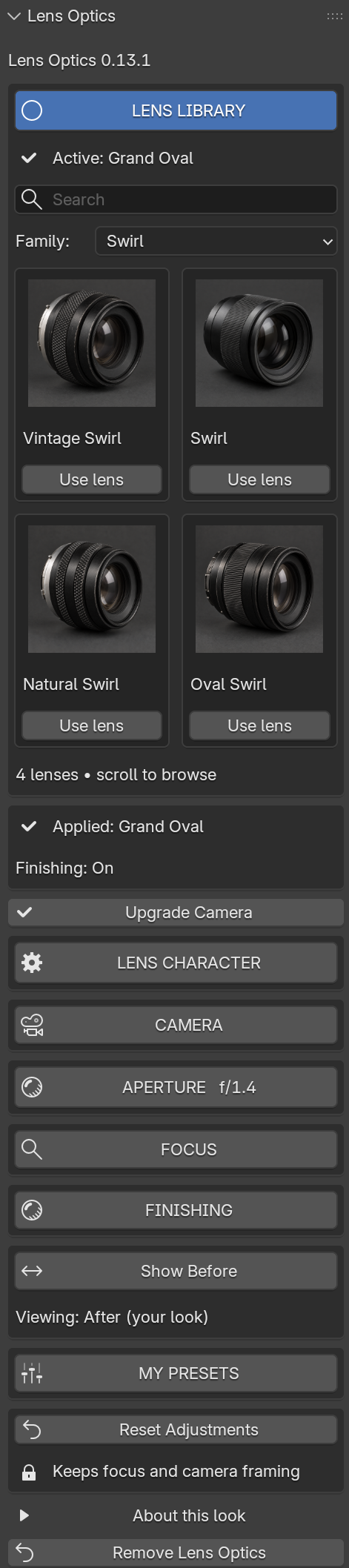
The whole add-on lives in one sidebar panel in the 3D viewport. The tour plays on its own; pick a section to jump to it.
03 · Shape of light
One light, four bokeh shapes. Pro adds blade count, roundness and rotation.
04 · The library
{{liteCount}} looks free. All {{total}} across {{familyCount}} families with Pro. Lens artwork illustrates the catalog; renders show the effects.
{{l.line}}
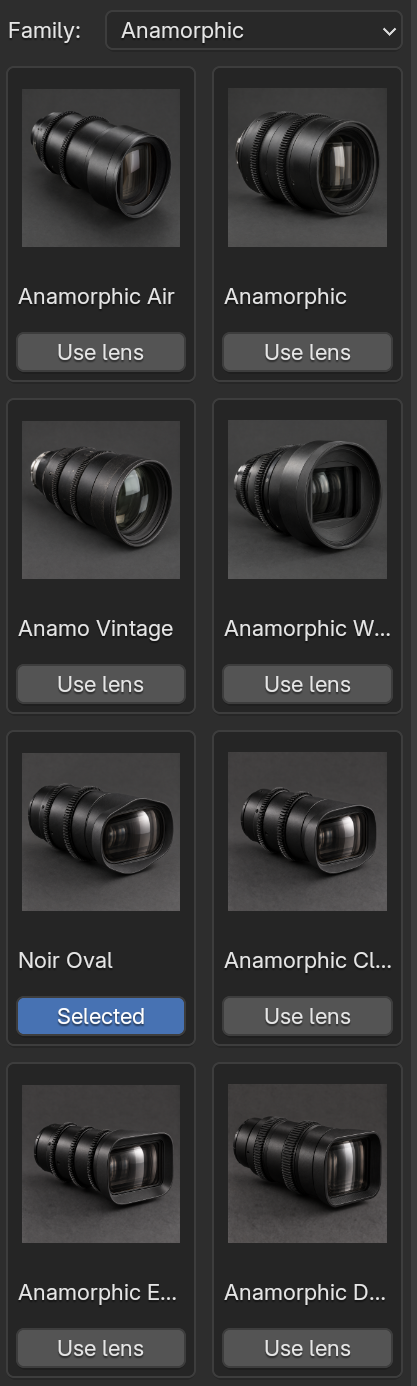
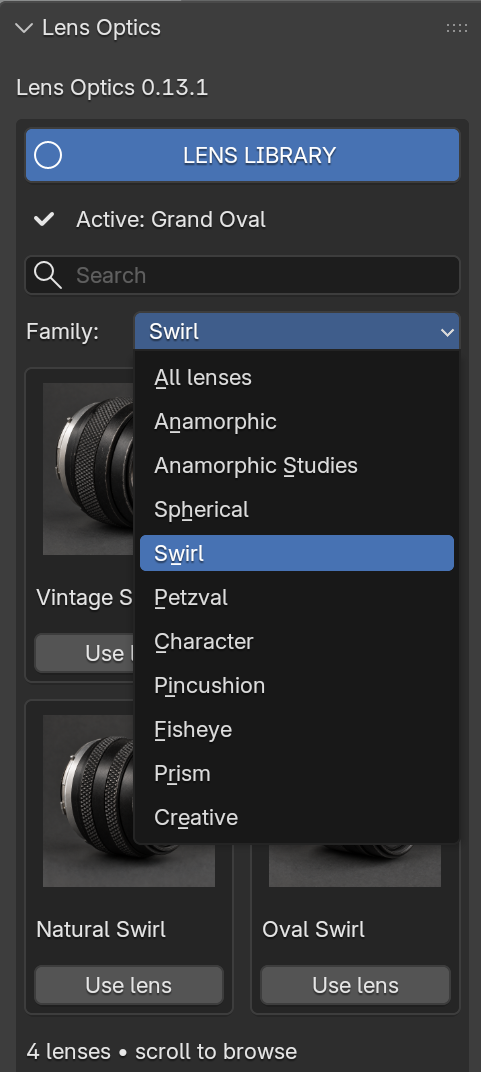
Search or filter by family, then apply a lens. Your active look stays clearly marked.
{{resultText}}
No looks match that search.
05 · Prism
Same portrait, {{prismCount}} prism looks. Split and Zoom in Lite; all {{prismCount}} in Pro.
06 · Lens Character Full controls · Pro
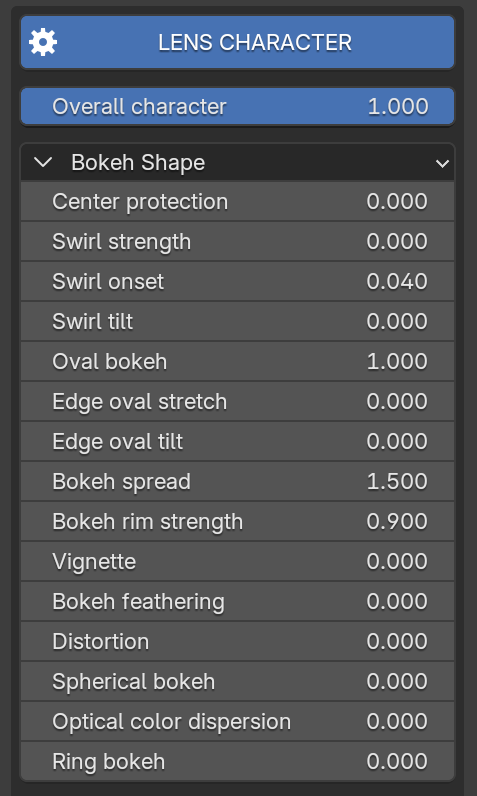
Overall character scales the whole look. Under Bokeh Shape, each control is a plain number you can type or drag. Families add their own: Fisheye FOV, Prism arrangement, Creative diffusion.
07 · Camera, aperture and focus Lite and Pro
Frame and focus freely. Aperture and focal length stay independent of your look, in both editions.
Choose an aperture or type a custom f-number. Wider apertures mean larger, softer out-of-focus highlights.
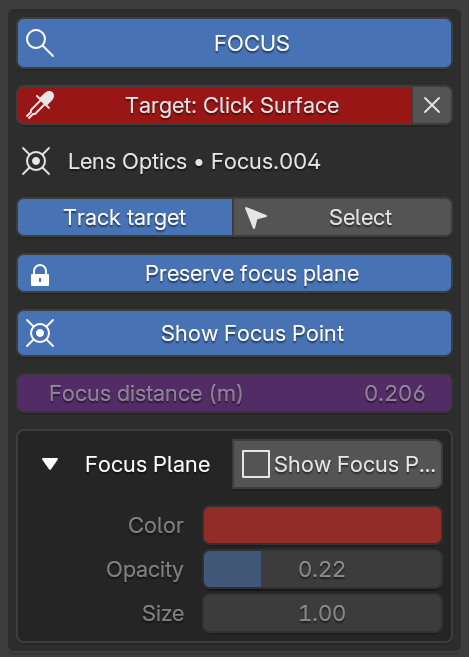
Click the exact surface in any 3D viewport. Track target follows that picked point, Preserve focus plane keeps it stable while you switch looks, and the focus plane can be shown in color.
One scene · four cameras
One scene, a different look on every camera. Finishing applies across the scene.
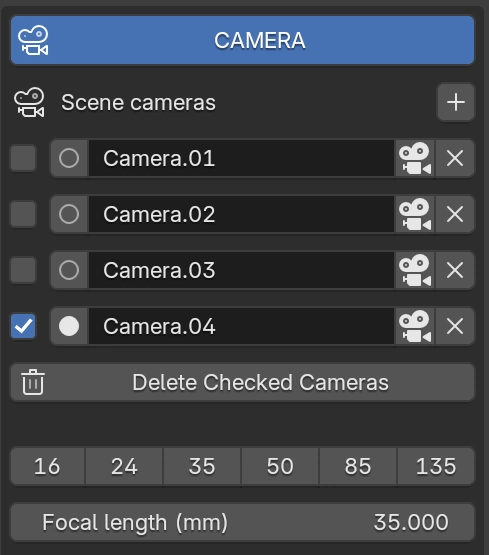
Add a camera from your current view, switch angles, or remove the ones you no longer need. Every camera keeps its own lens look. Set focal length with presets from 16 to 135 mm.
Sensor presets
Full frame, Super 35, medium format and cinema sensor dimensions. Match the output to the sensor gate when you want its native framing.
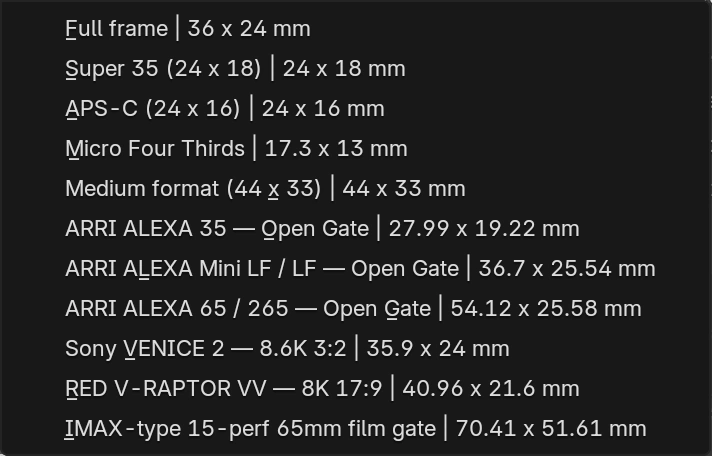
Sensor dimensions and framing; these presets do not emulate a camera's colour science.
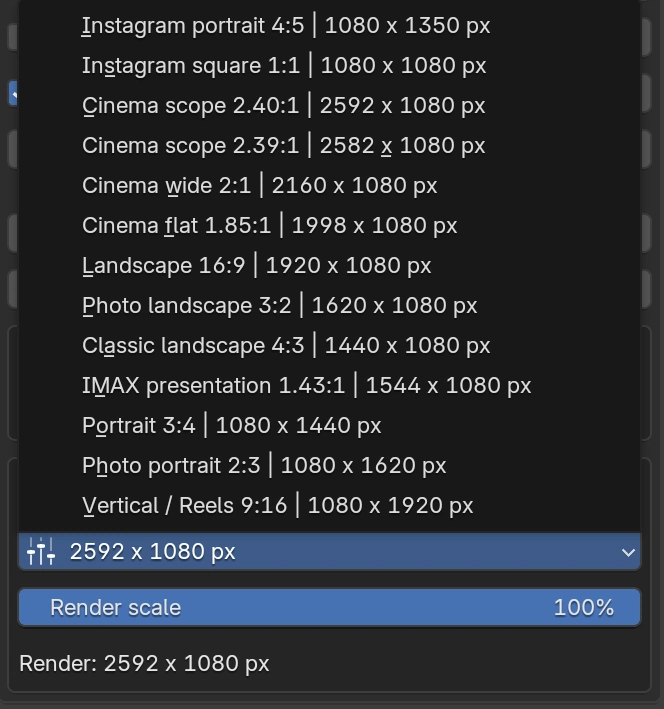
Output dimensions
Switch between Instagram portrait, square, Cinema Scope, landscape and vertical formats. Then adjust Render scale to control the output resolution.
One scene. Four views. Each with its own look.
08 · My Presets Pro
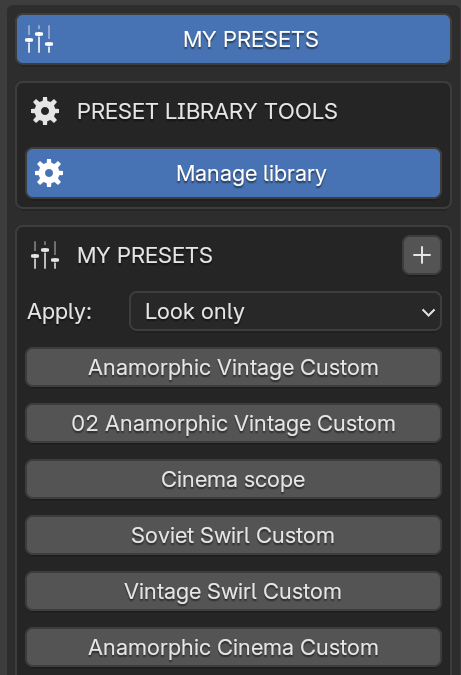
Save your look. Reuse it on any camera. Export and import your preset library.
{{presetMode.headline}}
Applying a preset never switches Finishing on. Presets are stored in your Blender user configuration folder; Export and Import move the whole library as a JSON file.
09 · Finishing
Five finishing effects in Pro: glow, halation, streaks, colour fringing and grain.
Lite includes cinematic aberration (0 to 2). Finishing starts off in both editions.
{{fxCur.text}}
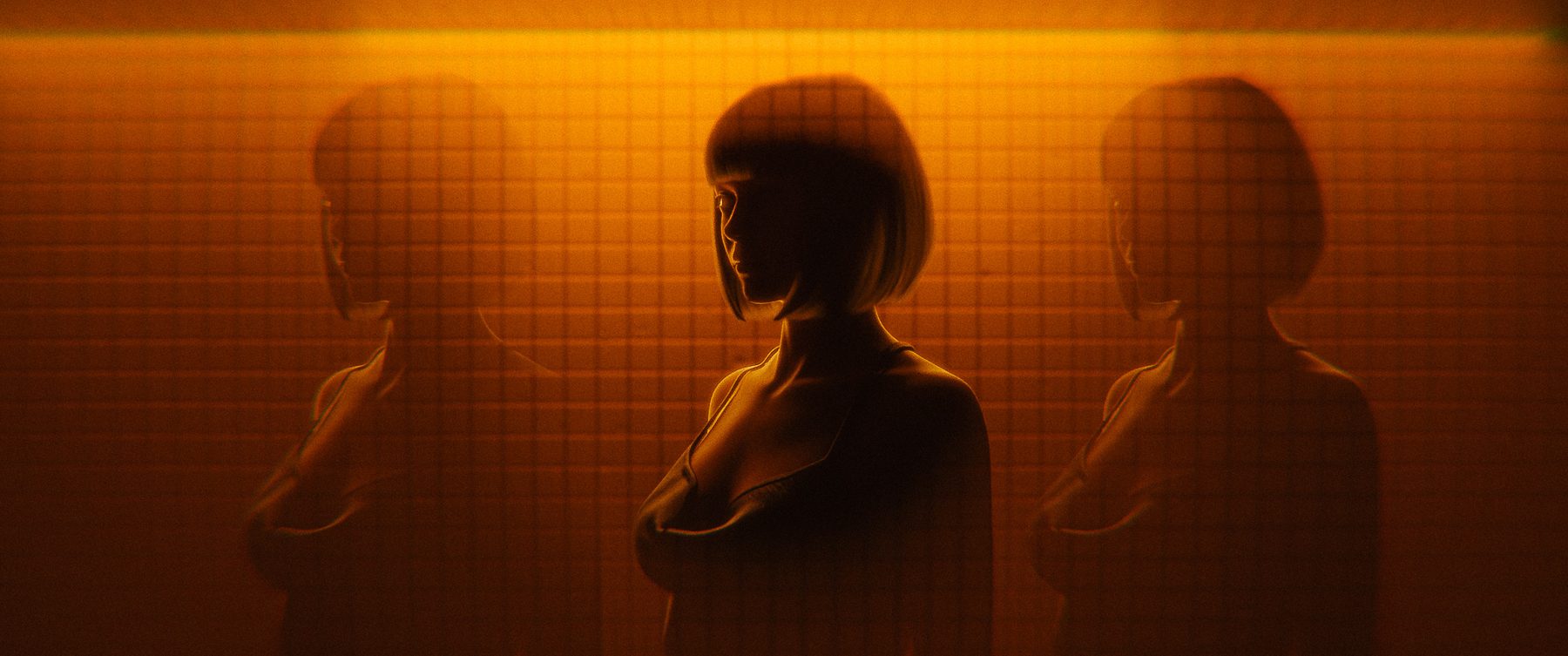
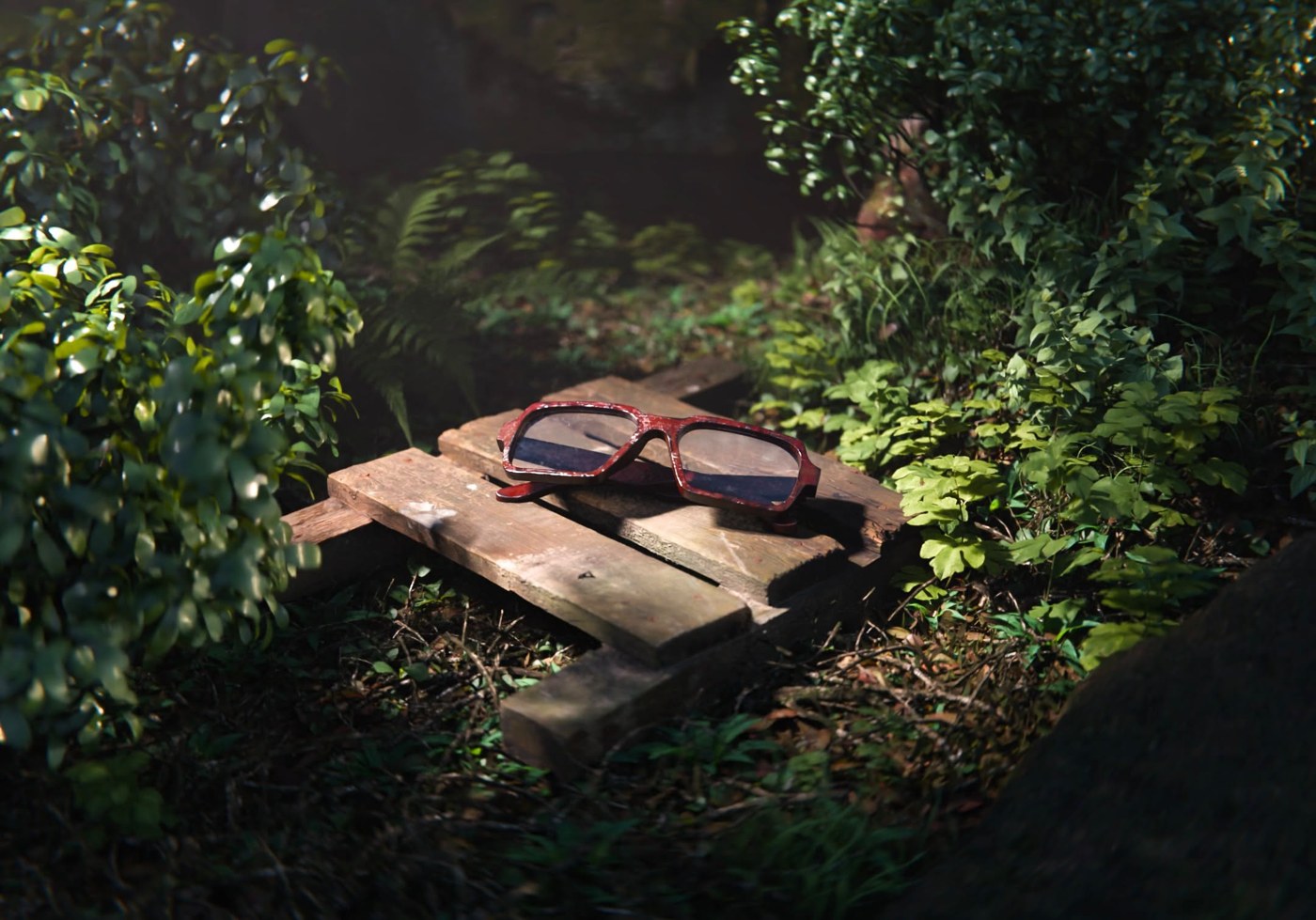
Noir Oval with finishing in a sunset portrait. Compare the original with the finished render.
This pair shows lens character, depth of field and finishing together. Bloom, halation and streaks above use isolated effect samples. The sunset details show finishing as part of a complete look.
10 · Gallery
Every example on this page, side by side.
Rendered in Blender with the add-on.
From the community
“I’ve tried a bunch of lens sim add-ons before and they’re either too basic or too heavy. Yours hit the sweet spot, and it’s highly optimized.”
I like that it provides a lot of creative control. Overall 10/10, a product I’d definitely buy.
“I've experimented with a few lens and camera add-ons on Blender, but this one is by far the best I ever used. The interface is organized and easy to use, gives a lot of presents for lens types, and each is customizable. Worth the money.”
“I was trying to create this effect for some time now, it took some time to create one lens and applying it in different scene and manually adjusting everything was very time consuming. While this add-on gives so much flexibility and control over the effect. Just perfect 10/10”
11 · Editions
No watermark and no resolution limit in either edition. Lite and Pro are separate add-ons; disable Lite before enabling Pro.
Free
Start with {{liteCount}} distinctive looks. Camera, aperture and focus tools included.
${{proPrice}}
One time purchase
The complete lens library. Shape the character, finish the image, and save your own looks.
{{updateLine}}
Both editions include camera management, output settings, aperture, focus and Before/After. No watermarks or resolution limits.
12 · Requirements
{{f.a}}
Lite is free. Pro is ${{proPrice}}, one time.
{{updateLine}}
Blender 4.5 LTS and 5.0 to 5.2 · Cycles · CPU or NVIDIA OptiX · version {{version}}
A closer look
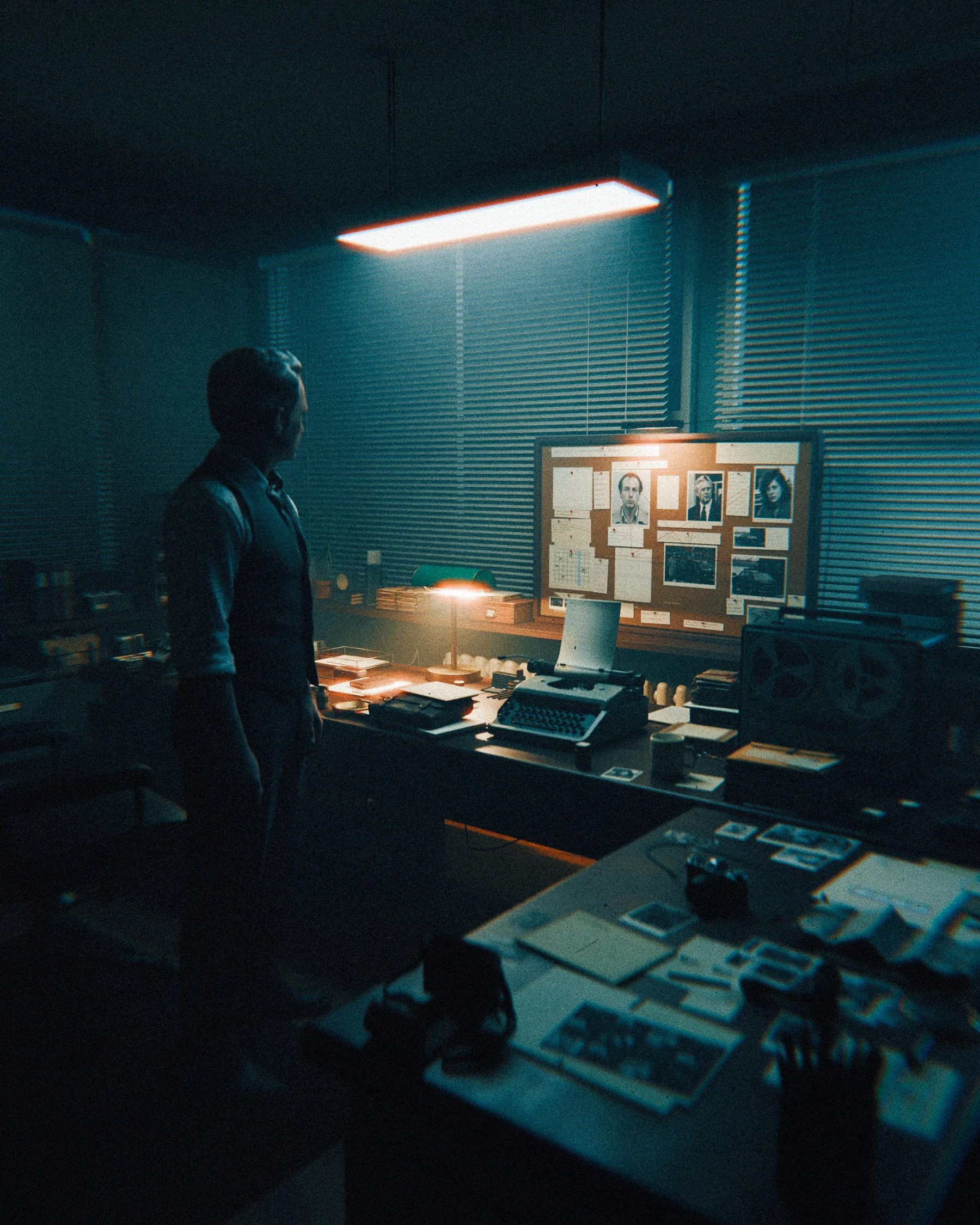
Move closer. Give the smallest details their own lens character.
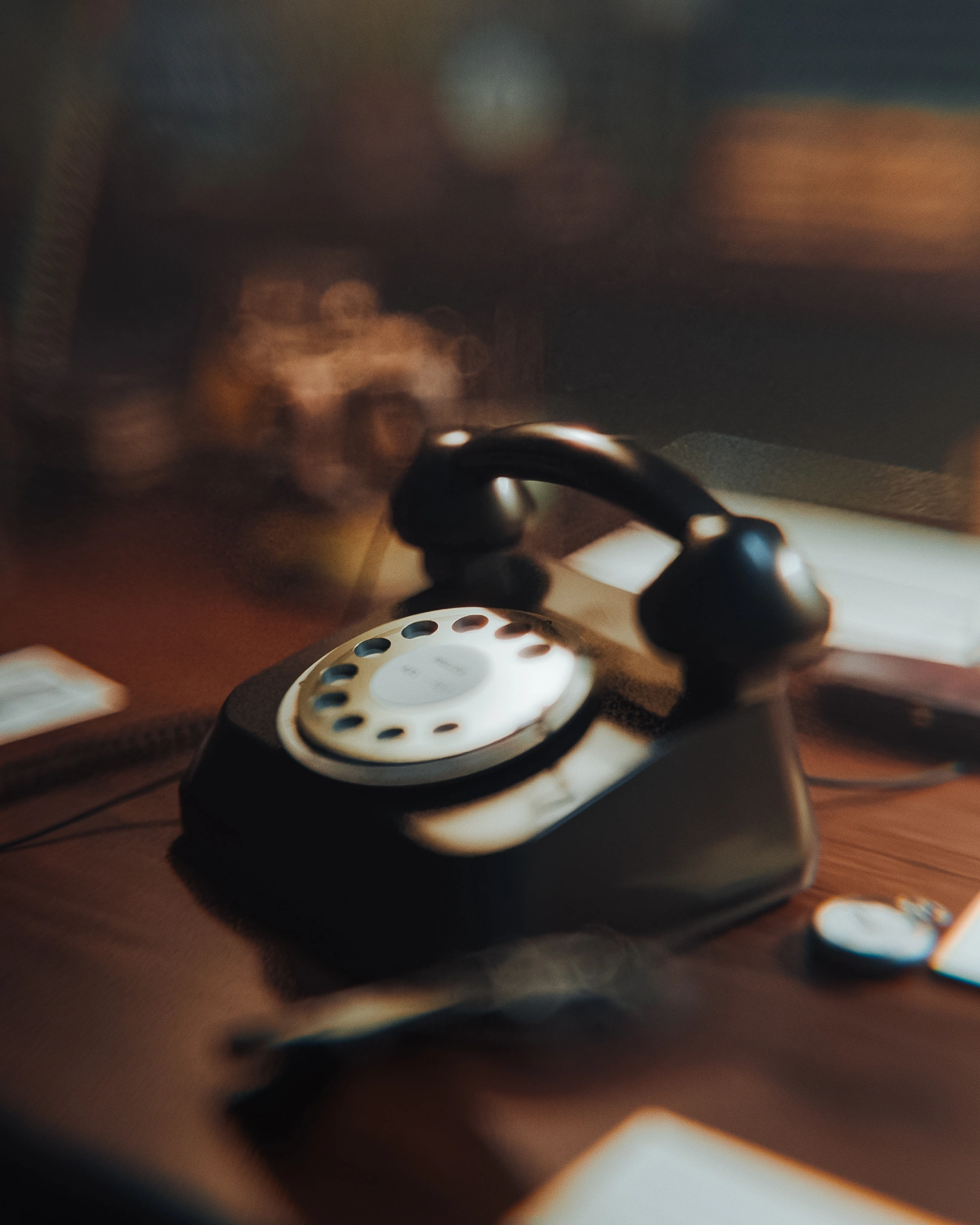
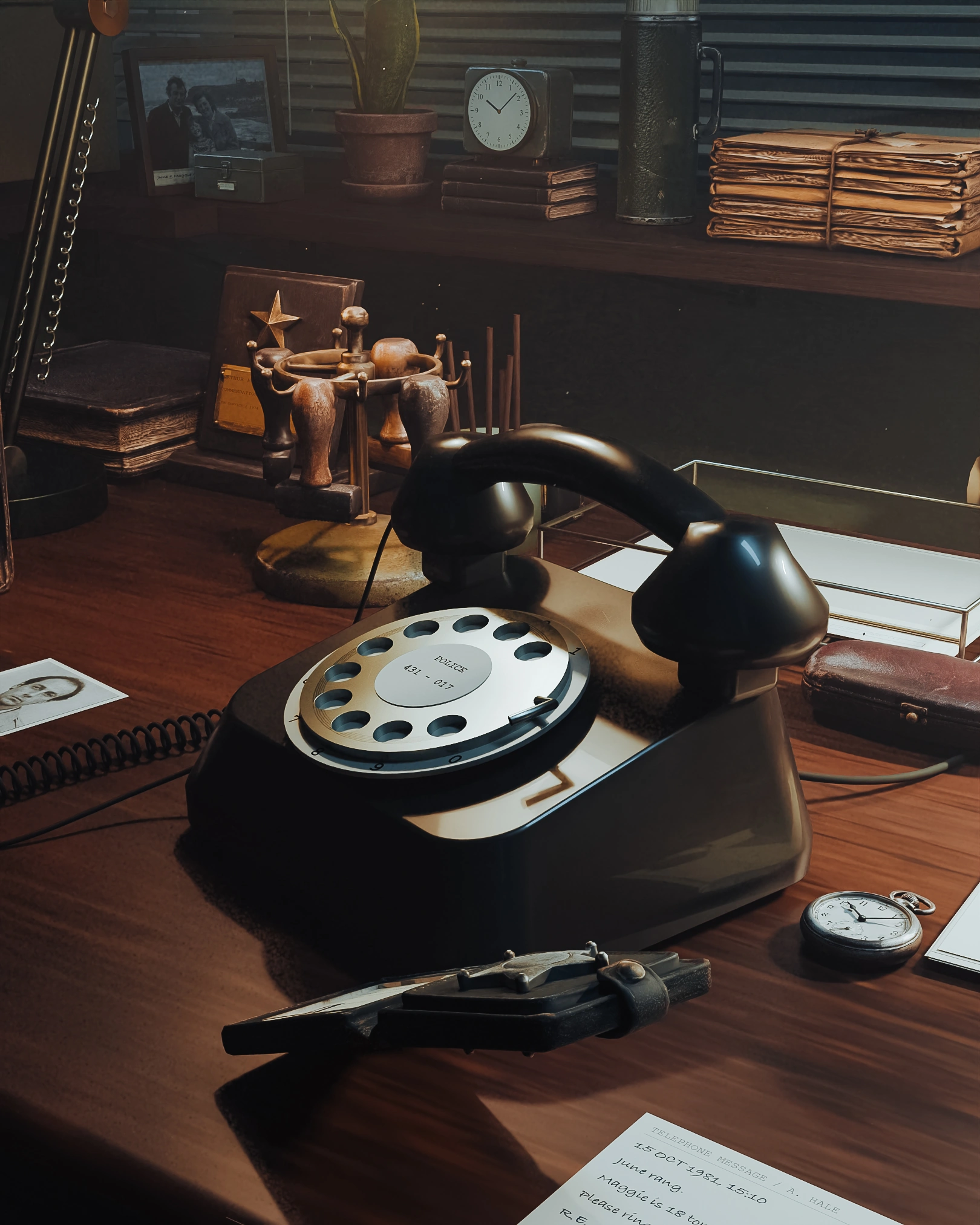 BEFOREAFTER‹ ›
Choose a detail
Before: lens effects, depth of field and finishing off. After: the complete lens look with depth of field and finishing. Images are color graded. The solid viewport is a scene reference.